
MEET CLAIRE
YOUR AI ASSISTANT


HOW CAN CLAIRE ASSIST YOU?
‣ Log In Instructions – Claire can help you access your account and get started.
‣ Membership Creation – Follow Claire’s steps to create and set up memberships.
‣ Sending Out Memberships – Claire can walk you through how to send memberships fast.

Log In Instructions
Membership Creation
Sending Out Memberships


How easy is it?
Here are the steps you need to do to go from zero to hero!
Step One
Set up your Club or Organisation Details
10 Minute Job
Here you enter the details for your membership, and choose the end date for the membership year. This part is done once per membership term, which is normally once per year.
Step Two

Set up Memberships for your Members.
15 Minute Job
Here you make up your different membership types, referred to as "Tickets" in the system. You can create a different ticket for each type of membership offered to customers. This may only be one. Or it could be something like Family, Individual, Associate etc. This is also done once per membership term so for most would be done once per year.
Step Three

Upload your Member List and issue them a Membership Card
10-15 Minute Job
Here you get your member list in the form of a csv file and upload it to the system. Then with one click send it out to your members. This step can be repeated as many times as needed whenever you need to add more members.

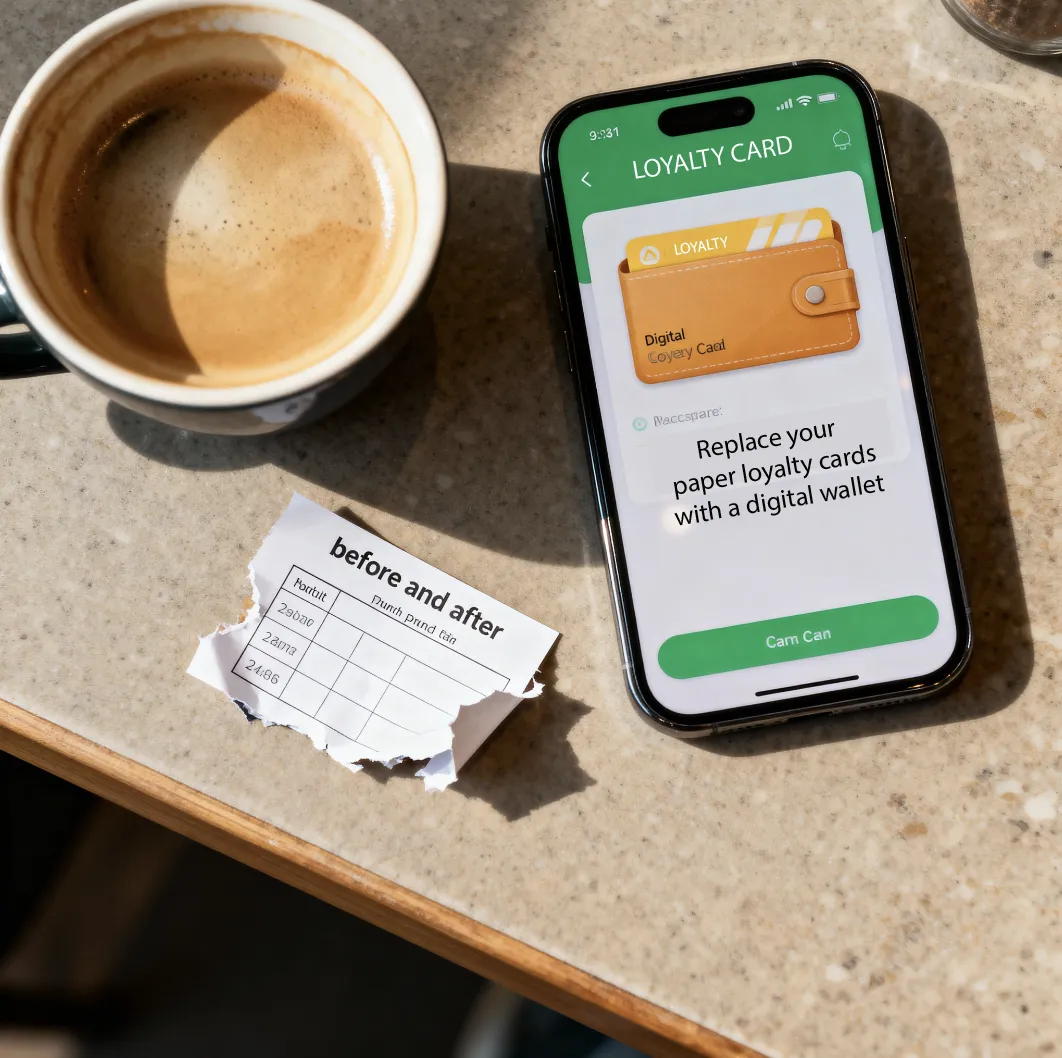
XFunge provides secure digital membership cards, loyalty cards, event passes, and redeemable tokens for clubs, businesses, and organisations. Our platform replaces plastic cards, postage, and manual admin with a simple digital wallet accessible on any device.
Quick Links
Contact Us
Social
© 2025 Xfunge. All Rights Reserved.